Build, maintain, and improve Windows desktop applications with experienced
.NET desktop development support.
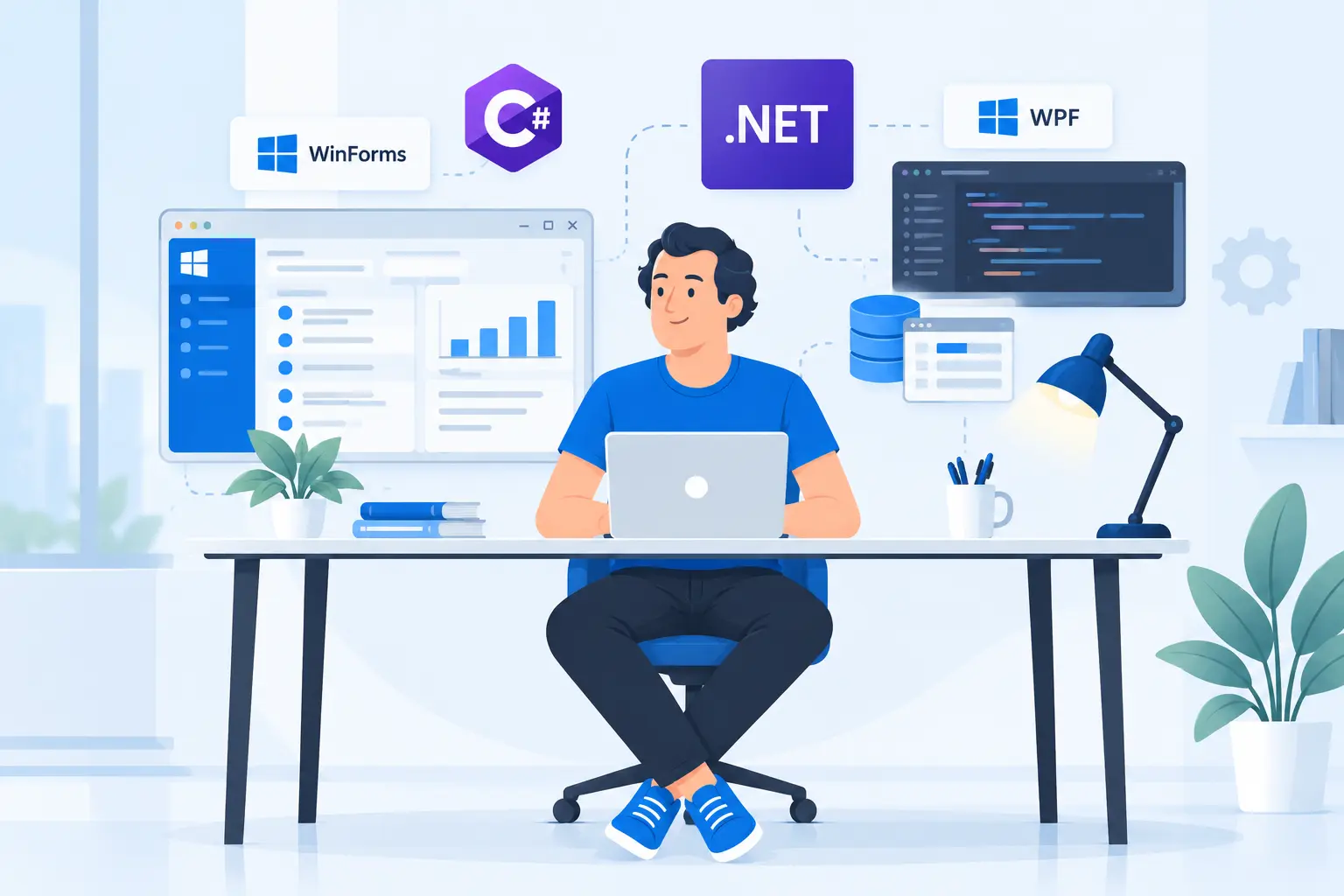
DotNet Expert works with Windows Forms (WinForms), WPF, C#, .NET, SQL Server,
Entity Framework, Dapper, REST APIs, and third-party integrations to support
business-focused desktop applications.
Whether you need help with an existing WinForms application, new desktop features,
database integration, performance improvements, API connectivity, or legacy code
maintenance, we can focus on the areas that need attention without unnecessary rewrites.
.NET Desktop Technologies We Work With
Desktop applications often combine user interfaces, business logic, databases,
reporting, integrations, and local or remote services. Our primary focus is Microsoft
.NET technologies used in Windows business applications.
REST APIsThird-Party APIsReportingFile ProcessingAuthenticationDeployment Support
We can work with the technologies already used by your desktop application instead of
introducing a new framework or data-access approach without a clear reason.
What a .NET Desktop Developer Can Help You With
Desktop development does not always mean building a new application from scratch.
Many projects involve improving software that already supports important business operations.
Existing WinForms Development
Add forms, workflows, reports, validation, database operations, and new business
features to an established WinForms application.
WPF Application Development
Build or improve WPF screens, controls, data binding, layouts, and supporting
desktop application workflows.
Desktop UI Improvements
Improve navigation, form usability, validation, layout consistency, data presentation,
and everyday application workflows.
Database Development
Work with SQL Server, PostgreSQL, Entity Framework, Dapper, stored procedures,
transactions, and reporting queries.
Reports & Data Export
Build or improve printable reports, summaries, exports, business documents,
and data-driven reporting features.
API Integration
Connect desktop applications with REST APIs, online services, centralized systems,
or other business applications.
Troubleshooting & Performance
Investigate crashes, slow queries, UI delays, repeated data loading, dependency
problems, installation issues, and other application failures.
Ongoing Development
Continue development through new features, bug fixes, database changes,
integrations, and application maintenance.
Work With an Existing Desktop Application
You do not need to rebuild a desktop application simply because it is older. Many WinForms
and WPF systems continue to support important business processes every day.
If the application still solves the right business problem, focused improvements can be
more practical than replacing the entire system. We can review the existing solution,
understand its forms, database access, dependencies, and workflows, and then work only on
the areas that need improvement.
Feature Development
Add business features, forms, reports, validations, workflows, and database operations
without disturbing functionality that already works.
Bug Fixing & Stability
Investigate application errors, data issues, crashes, dependency problems, and other
defects affecting day-to-day users.
Database & Performance Improvements
Improve slow queries, repeated data loading, transaction handling, and inefficient
data-access code where these issues affect application performance.
Targeted Modernization
Update selected dependencies, application layers, or technical areas when there is a
clear benefit. For broader upgrades, see our
Application Modernization service.
Desktop Development for Business Applications
Desktop software remains useful where users need fast access to structured workflows,
local resources, internal networks, hardware, or high-volume data entry.
01
Inventory & ERP
Product, stock, purchase, sales, reporting, administration, and internal workflow
screens for operational business software.
02
Accounting & Reporting
Transaction workflows, data entry, statements, summaries, printable reports,
exports, and other finance-related desktop features.
03
CRM & Administrative Tools
Customer records, staff workflows, search, filters, permissions, management screens,
and other internal business functions.
Maintainable Desktop Application Development
Desktop applications become harder to support when UI code, database access, and business
rules are tightly coupled. We first understand the current architecture before deciding
what should change.
01
Preserve Working Functionality
Existing behavior is treated as part of the system context, so changes can stay
focused on the requirement instead of turning into an unnecessary rewrite.
02
Clearer Application Structure
Where useful, responsibilities can be separated into clearer services, data-access
code, UI logic, and reusable components.
03
Practical Data Access
Continue with Entity Framework, Dapper, stored procedures, or direct SQL based on
what fits the existing application and database workload.
04
Safer Future Changes
Focused refactoring can reduce duplication and make later features, fixes, and
integrations easier to implement and test.
Database, API & Integration Support
Desktop applications often depend on several systems working together. We can help with
database access, REST APIs, remote services, synchronization, authentication, and external
business platforms.
REST API consumption, synchronization, authentication, cloud-connected workflows,
and external service integration. For larger integration requirements, see our
Third-Party Integration service.
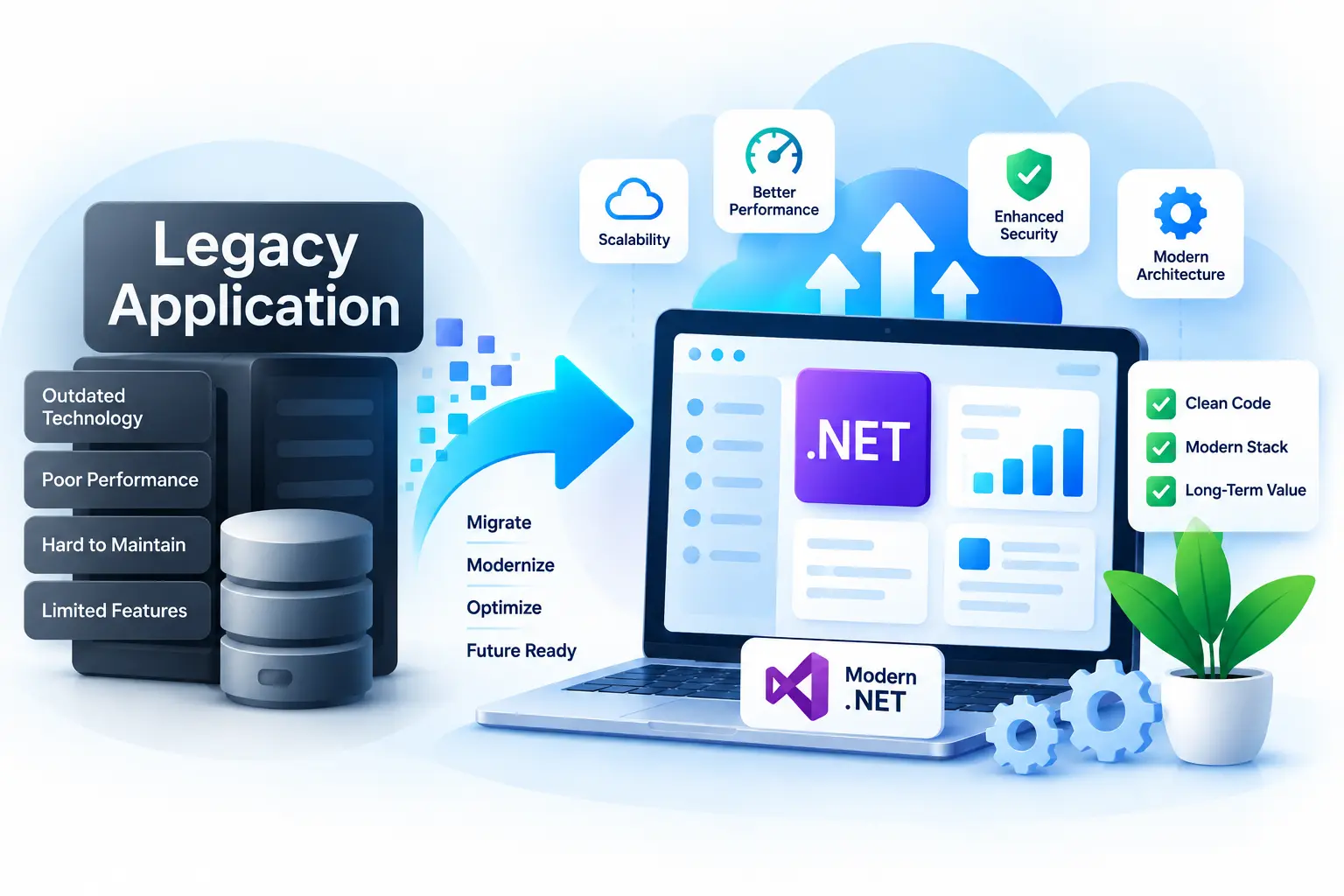
Legacy .NET Desktop Application Support
A legacy application is not automatically a bad application. If the software continues to
support important business operations, gradual improvement can be more practical than a
complete rewrite.
We can help with older WinForms or WPF systems by reviewing existing code, fixing stability
issues, updating dependencies where appropriate, improving database access, adding required
features, and reducing maintenance problems while preserving working functionality.
Our Desktop Development Approach
01
Understand the Application
We review the relevant solution structure, forms, database access, dependencies,
and business workflows.
02
Define the Required Work
We identify exactly what needs to change, such as a feature, database update,
report, integration, UI improvement, or bug fix.
03
Preserve What Already Works
We work within the existing architecture when it remains suitable and avoid
unnecessary rewrites.
04
Develop & Test
Changes are tested against the workflows they affect, especially where databases,
transactions, reports, or integrations are involved.
05
Continue as Needed
Development can continue with additional features, maintenance, troubleshooting,
database work, or integrations.
Why Hire a .NET Desktop Developer From DotNet Expert?
WinForms-First Desktop Experience
WinForms is a core part of our desktop development work, particularly for
database-driven business applications.
Existing Application Support
Development can continue inside an established codebase without rebuilding the
entire application before useful work can begin.
Strong Database Integration
We can work across application logic, SQL queries, Entity Framework, Dapper,
transactions, reporting, and data-driven workflows.
Business-Focused Development
The focus stays on forms, reports, workflows, reliability, data accuracy, and
practical application behavior rather than unnecessary complexity.
Desktop-to-Online Integration
Desktop applications can connect with APIs, remote services, external platforms,
and centralized systems when the business requires it.
Lower-Disruption Improvements
Targeted changes can preserve working functionality, reduce risk, and make the
application easier to continue developing.
Simple Desktop Developer Hiring Process
01
Share Your Requirement
Tell us about the application, current technology, issue, feature, or development
requirement.
02
Review the Existing System
For an existing project, we review the relevant code, forms, database, dependencies,
and affected workflows.
03
Define the First Task
A clear feature, bug, report, screen, or integration provides a practical starting point.
04
Develop & Test
We implement the agreed work and test the application workflow affected by the change.
05
Continue as Needed
Support can continue with additional development, maintenance, database work,
integrations, or troubleshooting.
Frequently Asked Questions
Yes. Existing WinForms applications are one of our primary areas of desktop
development work. We can add features, fix issues, improve forms, work with
databases, and support ongoing development.
Yes. We can work with existing WPF applications and develop screens, controls,
data binding, workflows, and related business functionality.
Yes. We can work with SQL Server queries, stored procedures, Entity Framework,
Dapper, transactions, reporting, and other database-driven workflows.
Yes. A .NET desktop application can consume REST APIs for authentication,
synchronization, integrations, remote data, and shared business services.
Yes. We can review older WinForms or WPF systems and make focused improvements
without requiring a complete rewrite.
Yes. New forms, reports, workflows, database operations, integrations,
validation, and other business features can be added to an existing application.
Yes. We can investigate slow queries, inefficient data access, repeated loading,
UI delays, and other application performance issues.
Yes. If you need end-to-end desktop application development rather than individual
developer support, see our
Desktop App Development service.
Hire a .NET Desktop Application Developer
If you need help with a WinForms application, WPF application, database-driven desktop
system, API integration, legacy .NET software, or ongoing desktop development, tell us
what you are working on.
We can review the application and determine a practical way to move forward without
unnecessary changes.
Related .NET Services
Explore our additional .NET services to build, modernize, deploy, maintain, and integrate business applications.
Custom Web Application Development
Turn business requirements into scalable, secure, and intuitive web applications designed around your workflows and users.
.NET Application Modernization
Upgrade aging .NET applications with modern technologies, improved architecture, better performance, and a foundation for future growth.
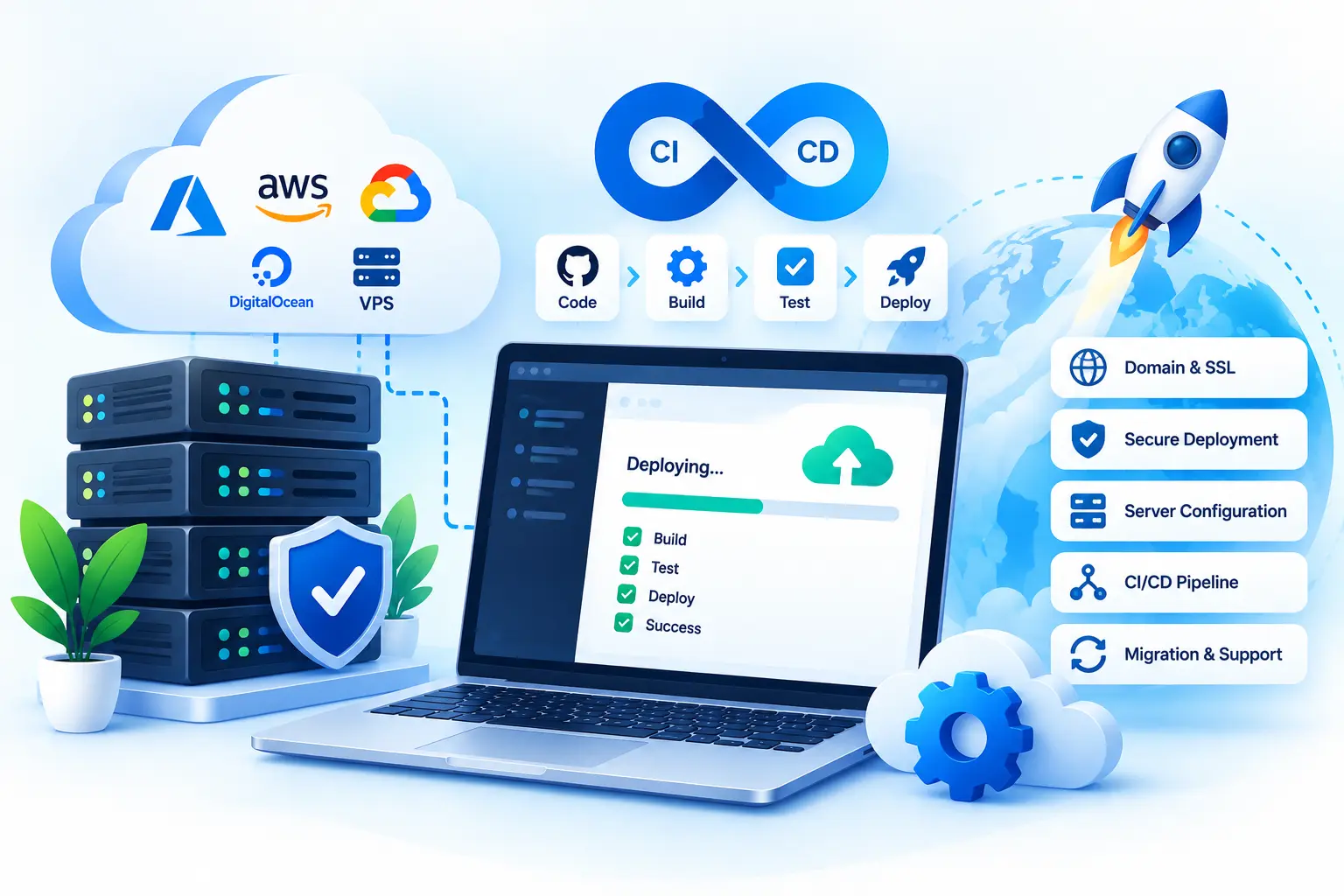
Web Deployment & DevOps
Move applications from development to production with reliable deployment, hosting, CI/CD, server configuration, and release support.
Let's Work Together
Have a project in mind?
Let's build something that works for your business.
Tell us about your project, requirements, or technical challenges.
We'll help you explore the right solution and next steps.
✓
Clear Communication
Stay informed throughout the project
✓
Practical Solutions
Focused on your actual business needs
✓
.NET Experience 11+ years
across business applications
Start a Conversation
Let's discuss your project
Whether you have a new idea or need help with an existing
application, we're here to help.
Get in Touch
→
No obligation · Let's talk about your project