


Assess the Existing Application
Review the current .NET version, project structure, dependencies, integrations, database access, hosting environment, and known production issues before changing the application.
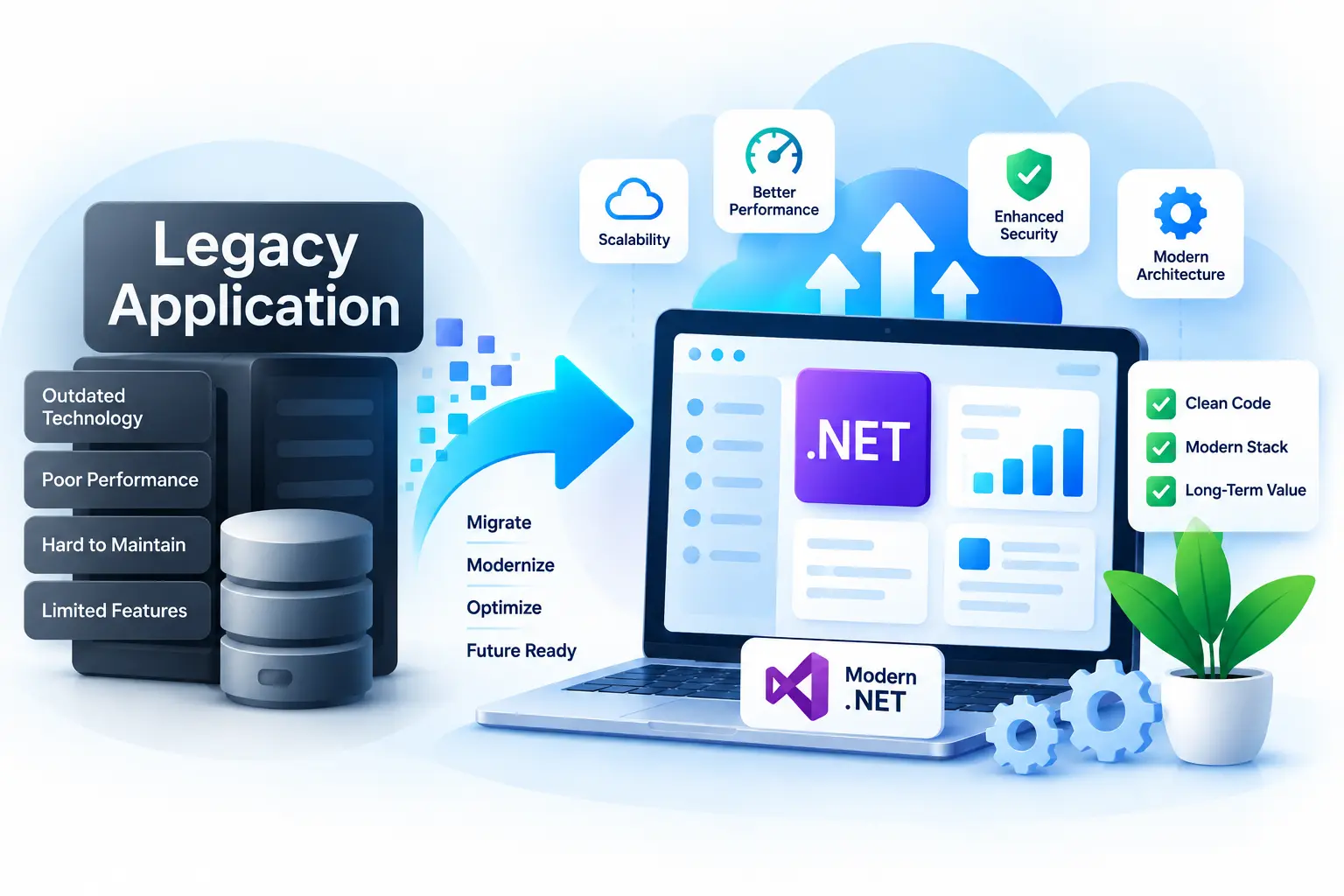
Modernize an existing .NET application without replacing everything that already works. We help upgrade frameworks, dependencies, architecture, user interfaces, performance, security, and deployment so your application can support current business needs and future development.
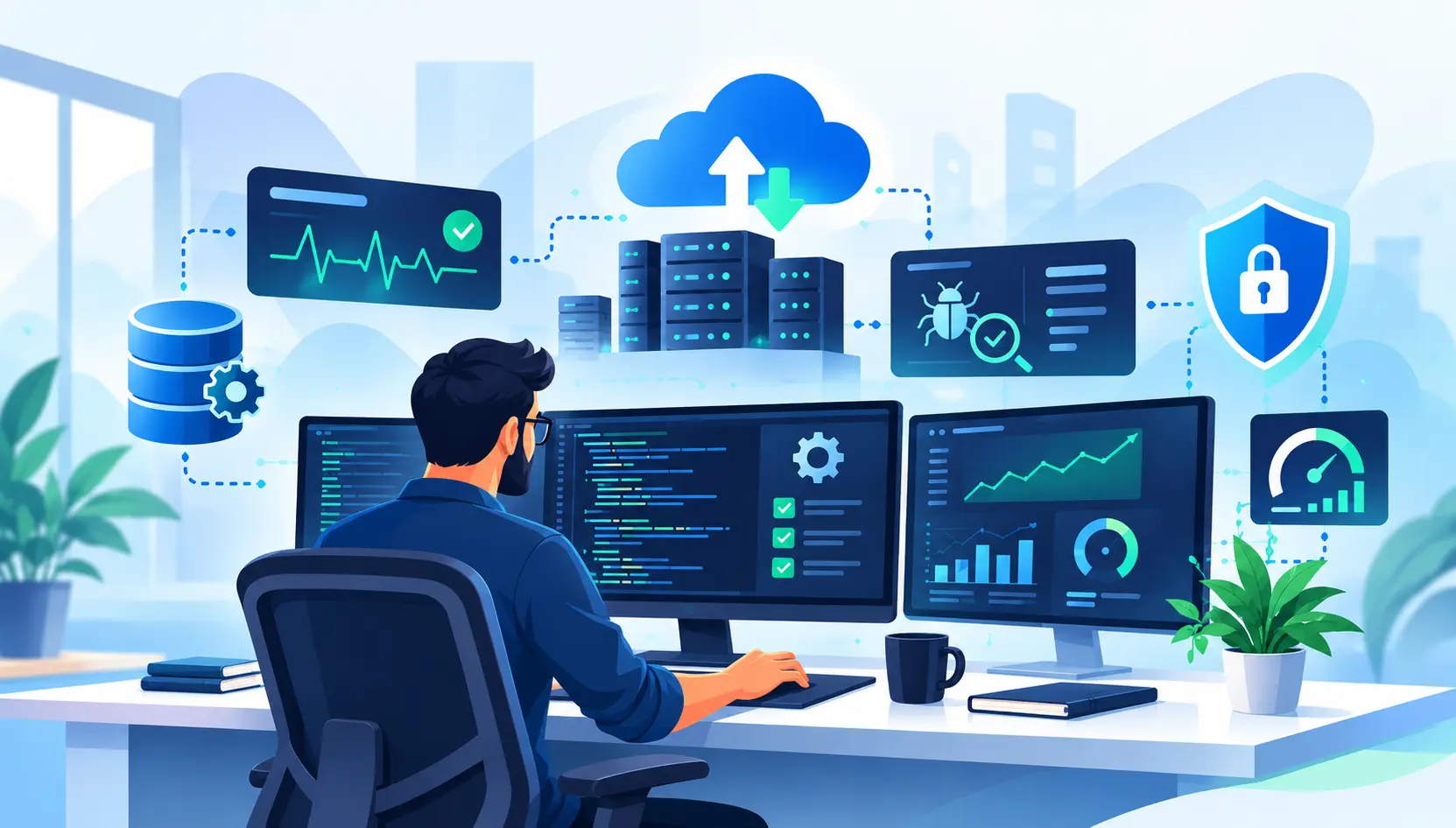
Application modernization is not always a complete rewrite. In many cases, the right approach is to keep the parts of the system that still provide value and improve the areas that create risk, slow development, or limit compatibility. We assess the current framework, codebase, dependencies, architecture, hosting environment, database usage, and deployment process before recommending an upgrade path.
A successful upgrade starts with understanding the existing application and the risks around changing it. We plan the work in stages, address compatibility issues before production, and validate the workflows that matter most to the business.

Review the current .NET version, project structure, dependencies, integrations, database access, hosting environment, and known production issues before changing the application.
Identify the target framework, unsupported packages, breaking changes, migration risks, and any architecture improvements that should be included in the modernization plan.
Update framework references, NuGet packages, configuration, deprecated APIs, data-access code, and other areas that must change for the target platform.
Validate the application in a controlled environment, focusing on authentication, business workflows, integrations, reporting, database operations, and any areas affected by the upgrade.
Prepare the production release, confirm configuration and environment settings, deploy in a controlled way, and monitor the application after release so upgrade-related issues can be addressed quickly.
Automation can reduce repetitive work during modernization, but it does not replace technical review. We use tools where they make sense for code migration, dependency analysis, testing, build pipelines, and deployment, while manually reviewing application behavior and compatibility risks.

Migration tools can help update framework references, configuration patterns, and common compatibility issues when moving from older .NET technologies to a newer target platform.

We review NuGet packages and third-party libraries for compatibility, security, support status, and upgrade impact before changing them.

Existing unit, integration, and regression tests can help identify issues introduced during modernization and provide faster feedback as the upgrade progresses.

After release, we can continue supporting the application with fixes, dependency updates, performance improvements, monitoring, and follow-up modernization work.

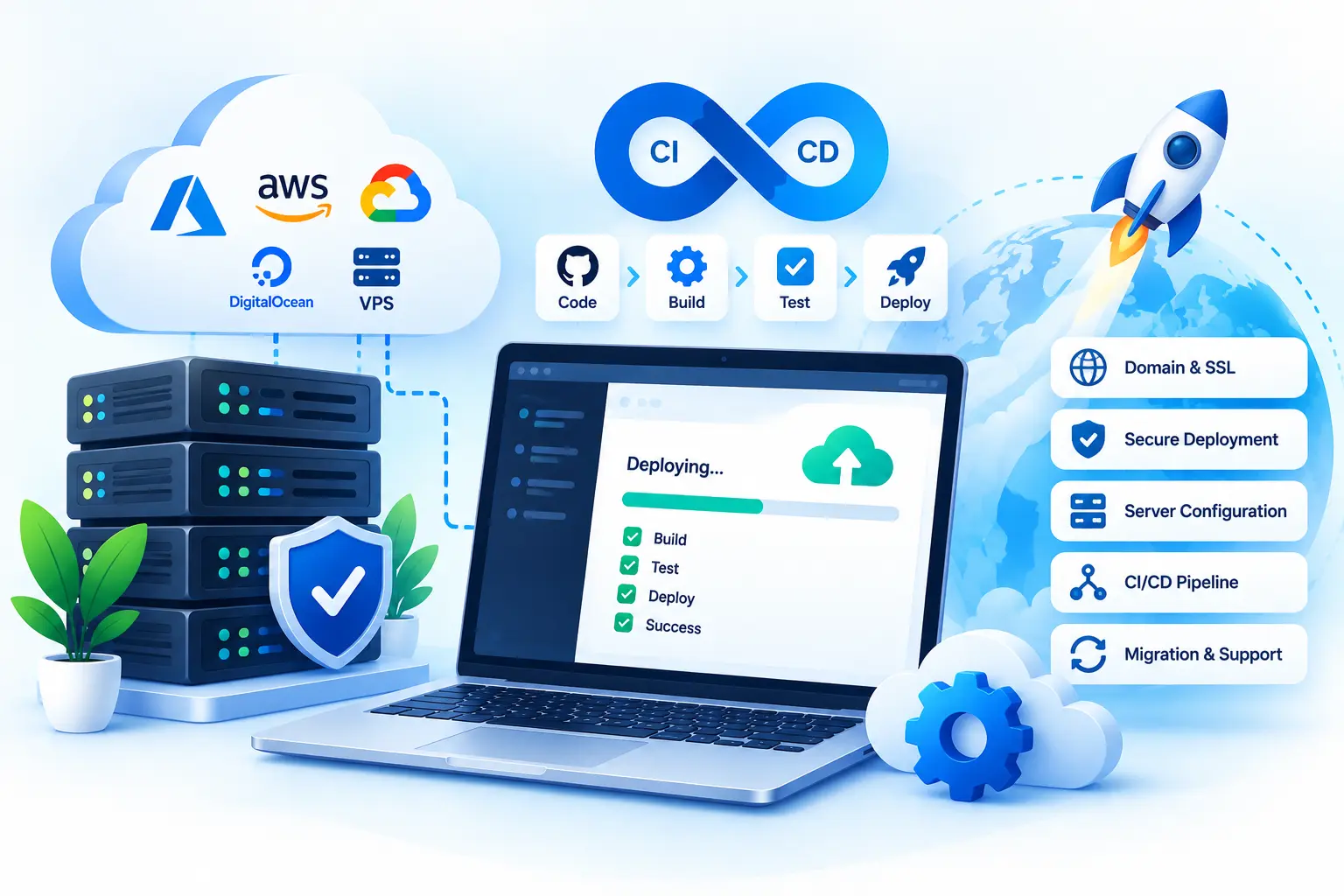
CI/CD pipelines can make packaging, deployment, environment configuration, and repeatable releases more reliable when the application is ready for production.
Production upgrades should include a practical rollback or recovery plan so the team knows how to respond if an unexpected issue appears after release.
Modernization work requires more than updating a framework version. It requires understanding how the current application behaves, where the technical risk is, and which changes will make future development easier without creating unnecessary disruption.

Our experience covers C#, ASP.NET, ASP.NET Core, MVC, Blazor, Web API, Entity Framework, databases, and deployment across both modern and established .NET applications.

We work with newer .NET applications as well as older ASP.NET, MVC, Web Forms, and other legacy systems, which helps us plan upgrades with the existing codebase in mind.

We assess dependencies, compatibility, architecture, deployment, and production risk before recommending changes, so the modernization plan stays focused on what the application actually needs.

We explain upgrade risks, compatibility issues, technical decisions, and progress clearly so your team understands what is changing and why.

We validate the upgraded application before release and focus on critical workflows, integrations, data access, and other areas where modernization can introduce unexpected behavior.

After deployment, we can continue with stabilization, fixes, dependency updates, performance work, and further modernization as your application and business requirements evolve.
Explore our additional .NET services to build, modernize, deploy, maintain, and integrate business applications.
Tell us about your project, requirements, or technical challenges. We'll help you explore the right solution and next steps.
 Start a Conversation
Whether you have a new idea or need help with an existing application, we're here to help.
Get in Touch No obligation · Let's talk about your project