Moving a .NET application into production involves more than publishing files. The application, server, database, domain, SSL, permissions, environment settings, and release process all need to work together correctly.
DotNet Expert provides web deployment services for ASP.NET Core and .NET applications
, helping businesses deploy applications to IIS, Windows Server, VPS hosting, Azure App Service, and other supported environments.
We help with new deployments, server migrations, database rollout, SSL and domain setup, CI/CD automation, production troubleshooting, and post-deployment support.
What Is Web Deployment?
Web deployment is the process of moving a web application from a development or staging environment to a production environment where customers, employees, or other users can access it.
For a modern .NET application, deployment may involve:
Application
Publish the application
Install required .NET hosting components
Set production environment variables
Test the production application
Server
Configure IIS or another web server
Configure application pools
Set file and folder permissions
Set up backups and monitoring
Database
Configure database connections
Apply Entity Framework Core migrations
Verify production database access
Domain & Security
Configure a custom domain
Install an SSL certificate
Configure HTTPS
Automate future deployments
A structured deployment process helps reduce configuration errors, avoid unnecessary downtime, and make future releases easier to manage.
Our .NET Web Deployment Services
We support deployment for modern and established .NET applications across common Windows, VPS, cloud, and managed hosting environments.
01
ASP.NET Core Deployment
We deploy ASP.NET Core applications to production environments and configure the required application settings, hosting components, database connections, and dependencies.
Our experience includes:
ASP.NET Core MVC
ASP.NET Core Web API
Razor Pages
Blazor Server
Blazor WebAssembly hosted applications
REST API applications
Database-driven business applications
We can also help troubleshoot applications that work correctly in development but encounter errors after being deployed to production.
02
IIS Web Deployment
Microsoft IIS is widely used for hosting ASP.NET Core applications on Windows servers.
Our IIS deployment service can include:
IIS website configuration
Application pool configuration
ASP.NET Core Hosting Bundle
Web.config configuration
HTTPS binding
SSL certificate installation
Domain configuration
Application permissions
Static file configuration
Request and upload limits
Application startup troubleshooting
IIS log review
The exact configuration depends on the application and server environment.
03
Windows Server and VPS Deployment
We can deploy .NET applications to Windows VPS and dedicated servers.
The process may include preparing the server, configuring IIS, installing required runtime components, connecting the application to its database, configuring the domain and SSL certificate, and verifying the application after deployment.
This can be useful when you already have a Windows VPS and need an experienced developer to configure and deploy your application.
04
Azure App Service Deployment
We can deploy ASP.NET Core and .NET applications to Microsoft Azure App Service.
Depending on your project, we can assist with:
Azure App Service configuration
Application settings
Connection strings
Deployment slots
Database connectivity
Custom domains
SSL configuration
GitHub Actions deployment
Azure DevOps pipelines
Production troubleshooting
We can also review your existing deployment process and help move from manual deployment to an automated workflow.
05
Database Deployment and Migration
A web application and its database need to be deployed consistently.
We can assist with:
SQL Server deployment
PostgreSQL deployment
MySQL deployment
Entity Framework Core migrations
Database schema updates
Connection string configuration
Production database configuration
Data migration
Database backup before major changes
For existing production applications, database changes are handled carefully to reduce the risk of data loss or application downtime.
Hosting Platforms We Support
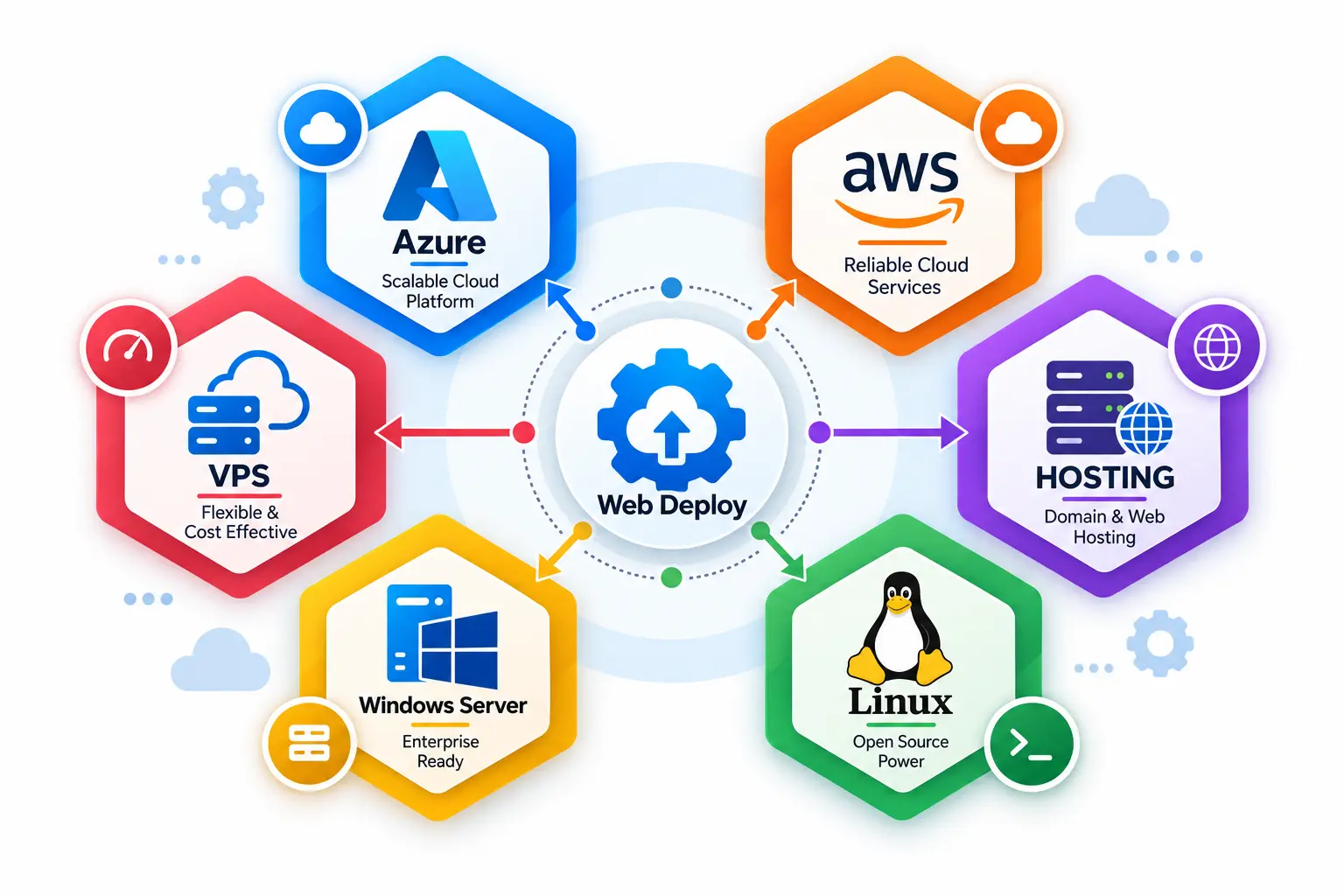
We can work with a range of hosting environments depending on the application's architecture, deployment model, and operational requirements, including:
Microsoft IIS
Windows Server
Windows VPS
Azure App Service
Cloud hosting
Dedicated servers
Other compatible hosting environments
The right deployment approach depends on the application's architecture, database, traffic profile, operational requirements, and hosting environment.
Technologies We Work With
We work with both modern and legacy .NET technologies, which allows us to support new deployments, existing production applications, and migration projects.
Application Technologies
.NETC#ASP.NET CoreMVCWeb FormsClassic ASPBlazorWeb API
Data & ORM
Entity FrameworkEF CoreSQL ServerPostgreSQLMySQL
Hosting & Deployment
IISWindows ServerAzure App ServiceGitHub Actions
Depending on the project, we can also work with Razor Pages, Redis, REST APIs, Azure DevOps, Microsoft Web Deploy, and third-party integrations.
Our Web Deployment Process
We use a structured deployment process based on the application's architecture,
hosting environment, database, security requirements, release frequency, and production risk.
01
Project Assessment
We review the application, technology stack, database, hosting environment,
domain requirements, and deployment objectives.
This helps identify the technical requirements before production changes are made.
02
Environment Preparation
We prepare the target server or hosting environment.
Depending on the project, this may include IIS, .NET runtime components,
database connectivity, server software, application permissions, and other dependencies.
03
Application Deployment
The application is published and deployed to the target environment.
We verify that the application files, dependencies, configuration,
and required runtime components are correctly installed.
04
Database Deployment
If the application requires database changes, we apply the appropriate migrations
or deployment scripts.
We also verify database connectivity and application permissions.
05
Production Configuration
We configure production-specific settings required by the application.
Sensitive configuration values should be stored using appropriate server or hosting
configuration mechanisms rather than hard-coded into the application.
06
Domain and SSL Setup
When required, we configure the custom domain and HTTPS certificate and verify
that the application is accessible through the correct secure URL.
07
Testing
After deployment, we test important application functionality in the production environment.
We review the production configuration and identify potential issues that could
affect application performance or reliability.
09
Backup and Recovery
For existing production applications, we recommend verifying appropriate backups
before major deployment or migration work.
Where required, we can also help review the application's backup and recovery approach.
10
Handover and Support
After deployment, we provide the required deployment information and help resolve
deployment-related issues.
Ongoing maintenance and deployment support can also be arranged for applications
that require regular updates.
Domain and SSL Configuration
After deploying an application, it needs to be accessible through the correct domain and securely over HTTPS.
We can assist with:
Custom domain configuration
DNS configuration guidance
SSL certificate installation
HTTPS binding
HTTP to HTTPS redirection
Certificate renewal configuration
www and non-www domain configuration
This helps ensure that users can access the application through a secure and properly configured URL.
Web Deploy and MSDeploy
Microsoft Web Deploy, commonly known as
MSDeploy
, is a deployment technology used to synchronize web applications, configuration, and other deployment-related resources between environments.
It can be useful for IIS-based applications and teams that regularly deploy updates.
Depending on the project, we can configure Microsoft Web Deploy or use another deployment approach that better fits the application's hosting environment.
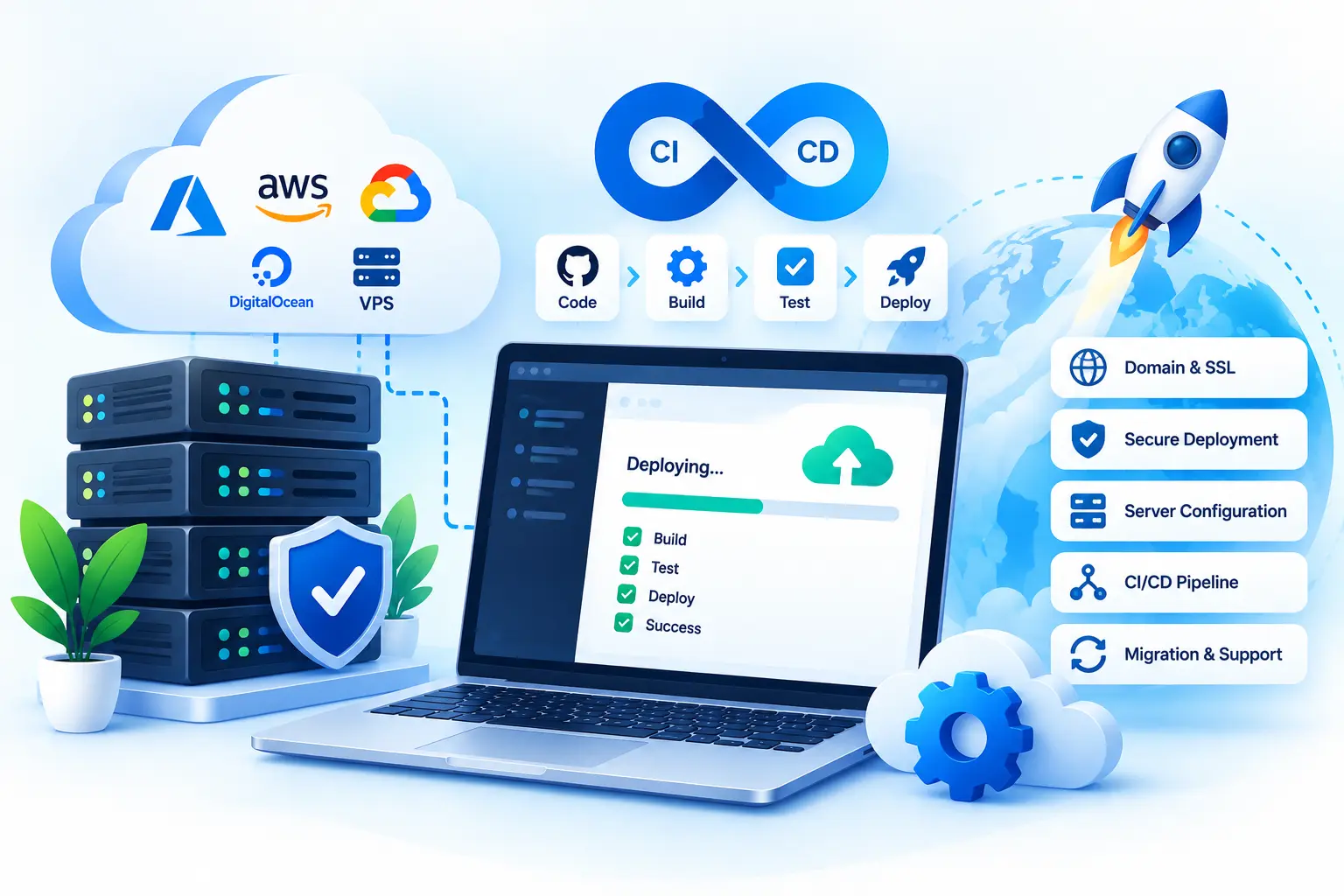
CI/CD and Deployment Automation
If your application is updated frequently, manually publishing files to the server can become inefficient and error-prone.
We can configure automated deployment workflows using:
GitHub Actions
Azure DevOps
Microsoft Web Deploy
MSDeploy
Other suitable CI/CD tools
A typical automated workflow can be structured as:
Automation can make future releases more consistent and reduce repetitive manual deployment tasks.
Application Migration to a New Server
If your existing application is running on an old or unreliable server, we can help move it to a new hosting environment.
A migration may involve:
Reviewing the existing application
Preparing the new server
Installing required runtime components
Configuring IIS
Moving application files
Migrating or connecting the database
Configuring environment settings
Setting up the domain
Installing SSL
Testing the application
Switching production traffic
Before migration, we can identify application dependencies and configuration requirements that need to be addressed on the new server.
Production Deployment Troubleshooting
Sometimes an application works correctly on a developer's machine but fails after deployment.
Common production issues include:
Application & Runtime
HTTP 500 and startup errors
Missing .NET runtime or Hosting Bundle
Static file and application path issues
Environment variable problems
Server & Security
HTTP 403 errors
IIS configuration problems
File permission issues
SSL or certificate problems
Data & Integrations
Incorrect connection strings
Database connection failures
API failures
Third-party integration failures
We can investigate deployment-related issues, identify the underlying configuration problem, and help restore the application.
Why Is Web Deployment Important?
Production deployment affects availability, security, maintainability, and release reliability.
A structured process helps reduce avoidable production issues and creates a clearer path for future updates.
Configuration
Reduce Deployment Errors
Proper configuration helps prevent problems caused by incorrect connection strings,
missing dependencies, permissions, or environment variables.
Availability
Minimize Downtime
A planned deployment process can reduce the time an application is unavailable
during an update or migration.
Security
Improve Security
HTTPS, appropriate permissions, secure configuration, and properly managed
production settings are important parts of a secure deployment environment.
Release Process
Simplify Future Updates
A consistent deployment process makes future application releases easier
to manage and repeat.
Data Safety
Protect Application Data
Backups and appropriate database migration procedures can help reduce the risk
of data loss during major production changes.
Reliability
Improve Reliability
Testing after deployment helps identify environment-specific problems
before they affect users.
What You Get With Our Deployment Service
Depending on the application and target environment, the service can include:
Application
Application deployment
Environment configuration
Entity Framework Core migration
Deployment documentation
Infrastructure
IIS configuration
Windows Server configuration
Azure App Service deployment
Database deployment
Domain & Automation
Domain configuration
SSL/HTTPS setup
CI/CD setup
Deployment automation
Migration & Support
Application migration
Production troubleshooting
Post-deployment support
The exact scope is agreed upon before the work begins.
Why Choose DotNet Expert?
Deployment work sits between application code, infrastructure, databases, security, and release processes.
We approach those areas together so production decisions are based on how the application actually works.
.NET Expertise
Experience With .NET Applications
Our deployment services are backed by experience with C#, ASP.NET Core,
MVC, Web API, Blazor, databases, APIs, and other technologies commonly
used in modern .NET applications.
End-to-End Knowledge
Development and Deployment Knowledge
Deployment issues are often connected to application code, configuration,
database queries, dependencies, or external integrations. Development experience
helps us troubleshoot beyond the hosting layer.
Practical Fit
Practical Deployment Approach
We assess the actual application and hosting environment before selecting
a deployment method, rather than applying the same configuration to every project.
Hosting Flexibility
Multiple Hosting Environments
We can work with IIS, Windows Server, Windows VPS, Azure App Service,
and other compatible hosting environments.
Application + Data
Database Awareness
Application deployment and database deployment often need to be handled together.
We consider both when preparing a production environment.
Clear Scope
Defined Deployment Requirements
Before starting, we confirm the target environment, application requirements,
database needs, access details, and expected deliverables.
After Go-Live
Support After Deployment
Deployment does not always end when the application goes live. We can also assist
with future releases, configuration changes, troubleshooting, migrations,
and ongoing maintenance requirements.
Web Deployment Service Pricing
$30/hour
Starting Rate
The total cost depends on the application's size, hosting environment, database requirements, deployment complexity, and whether ongoing support is required.
A straightforward deployment may take only a few hours, while a server migration, database move, or CI/CD implementation may require additional planning, testing, and troubleshooting.
Contact us with your application and hosting details for a more accurate estimate.
Frequently Asked Questions
Yes. We can deploy ASP.NET Core applications to IIS and configure the required hosting components, application pool, domain, HTTPS, permissions, and application settings.
Yes. We can deploy compatible .NET applications to Azure App Service and configure the required application and deployment settings.
Yes. We work with PostgreSQL and SQL Server and can assist with database configuration, Entity Framework Core migrations, connection strings, and production database deployment.
Yes. We can help move an existing application from one hosting environment to another, including application files, configuration, database connectivity, domain, SSL, and other deployment requirements.
Yes. We can investigate common deployment problems such as IIS configuration, missing runtime components, connection strings, permissions, environment variables, database connectivity, and application startup errors.
Yes. Depending on the project, we can configure deployment automation using GitHub Actions, Azure DevOps, Microsoft Web Deploy, or another suitable deployment method.
Yes. We can provide support for deployment-related configuration issues, application updates, server changes, and future deployments.
Get Help With Your .NET Deployment
Need help deploying an ASP.NET Core, MVC, Web API, Blazor, or other .NET application?
Send us your application details, current hosting environment, target server, database, and deployment requirements. We can review the requirements and recommend a suitable deployment approach.
A reliable deployment depends on the application, infrastructure, database, security configuration, and release process working together. Whether you are launching a new application, moving to a new server, setting up CI/CD, or fixing a failed production deployment, we can help you prepare the environment and release the application with a clear deployment plan.
Related .NET Services
Explore our additional .NET services to build, modernize, deploy, maintain, and integrate business applications.
Custom Web Application Development
Turn business requirements into scalable, secure, and intuitive web applications designed around your workflows and users.
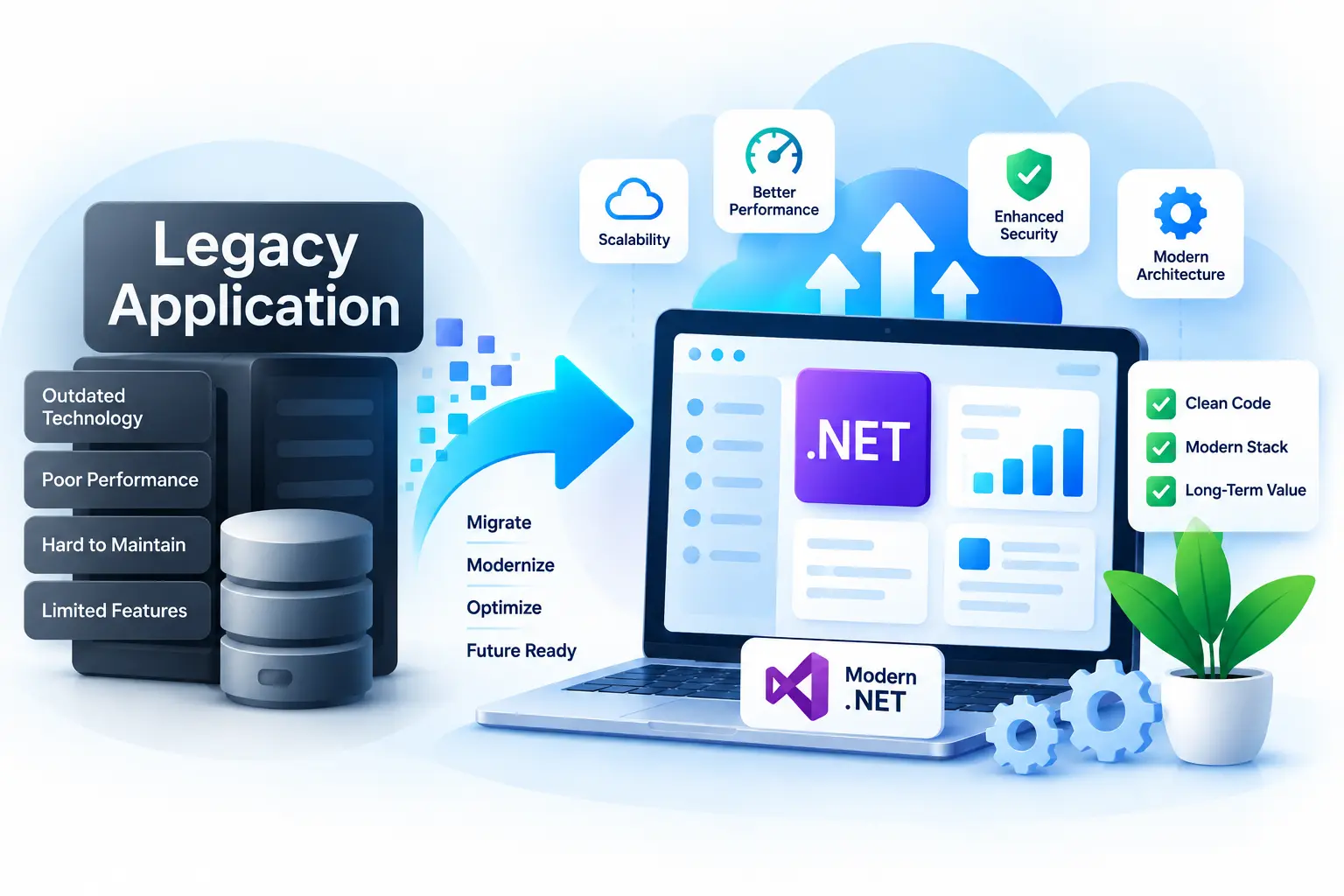
.NET Application Modernization
Upgrade aging .NET applications with modern technologies, improved architecture, better performance, and a foundation for future growth.
Web Deployment & DevOps
Move applications from development to production with reliable deployment, hosting, CI/CD, server configuration, and release support.
;
Let's Work Together
Have a project in mind?
Let's build something that works for your business.
Tell us about your project, requirements, or technical challenges.
We'll help you explore the right solution and next steps.
✓
Clear Communication
Stay informed throughout the project
✓
Practical Solutions
Focused on your actual business needs
✓
.NET Experience 11+ years
across business applications
Start a Conversation
Let's discuss your project
Whether you have a new idea or need help with an existing
application, we're here to help.
Get in Touch
→
No obligation · Let's talk about your project